

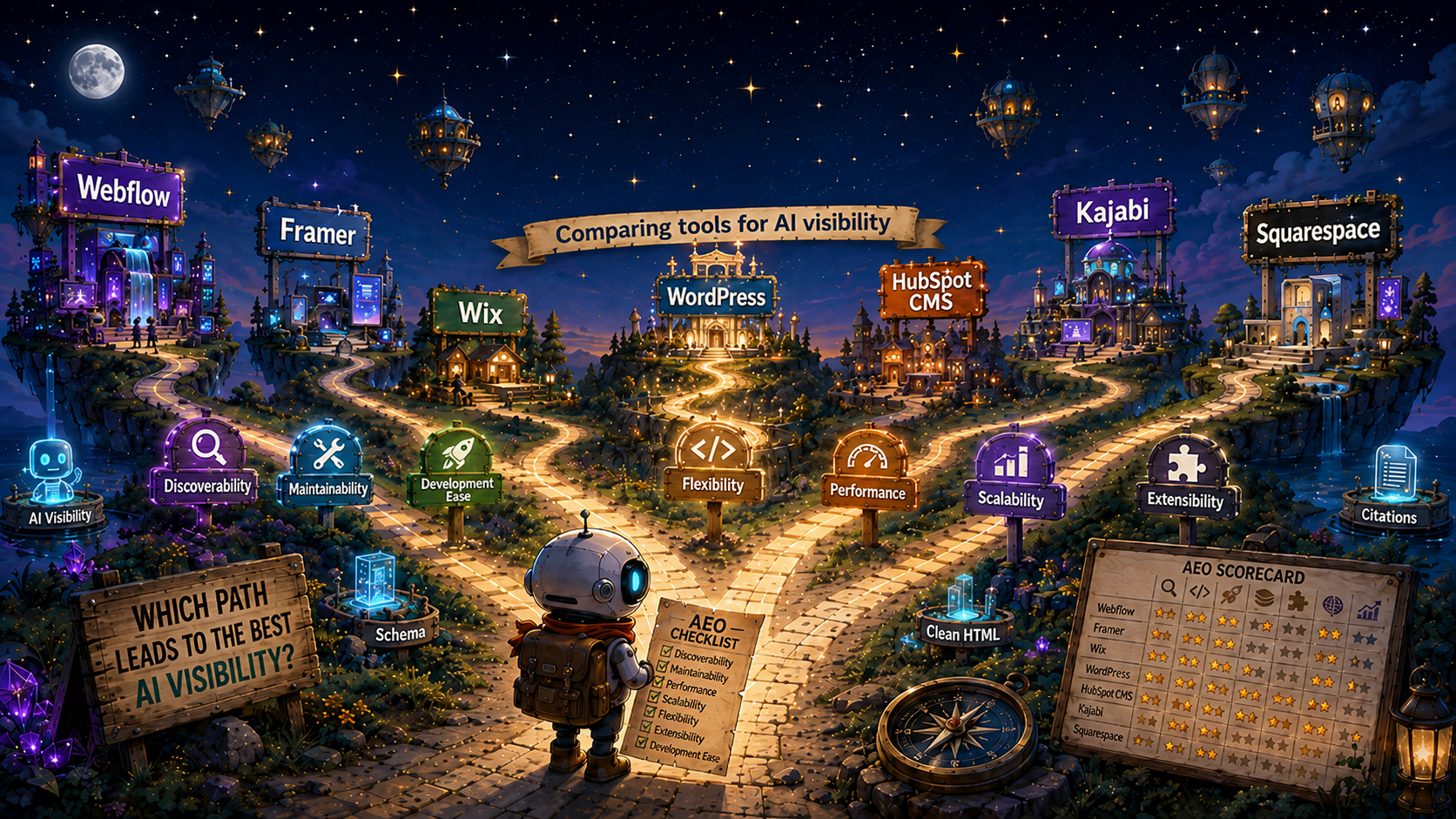
A lot of people ask me “which Website Development Tool” should I use to optimize AEO? Actually, nobody has ever asked me that - yet I felt compelled to write about it anyway. At least I thought it was sort of interesting…
I use Webflow for my site, and I've used it for a couple of clients this year. The learning curve is manageable, and it's proven more than capable of making a site technically structured for AI. But how important is the tool itself in generating the AI visibility companies are seeking, or should be seeking? There are obviously other considerations (ease of use, price, and so on) that go into picking a website development tool. I'm going to stay in my lane here and look mostly at AEO outcomes.
This story starts with a website audit. I conducted a full audit of Collective Genius and found this site to be the highest scoring site of any that I have reviewed (including my own!). The pages had a 99.9% crawlability score, cross-linking was already in place, the content itself was strong, and the citation rate put it in the upper quadrant of the AEO Maturity Model. A site like this has the potential to pursue category ownership and implement sophisticated content strategies rather than fixing the structure, like most sites that I see.
What surprised me was that the site wasn't built on Webflow or WordPress. It was built on Kajabi. Full respect to Kajabi for building a popular tool that excels at getting sites up quickly, specializing in the "course and membership" territory. Kajabi doesn't market itself as a tool for AI visibility, and some of the feedback out there reflects why: the same closed-box architecture that gives it its speed advantage also makes it harder to structure the page-specific signals AI engines look for.
The AEO score was achieved not because of the website development tool, but in spite of it. Jeff Martin (Founder and CEO of Collective Genius) made a conscious effort to build his site to be visible in AI, and his efforts are paying off.
Making the call for which tool to use is a strategic decision that a company will likely live with for a long time. Besides discoverability (which I think is one of the most important jobs of a website), other considerations such as maintainability, development ease, flexibility, scalability and cost are some of the factors that come to mind. I've encountered companies whose websites started off as a placeholder, and eventually capabilities were tacked on until the site became so fragile, it was like playing Jenga when deciding to make small changes. So, don't build a Jenga tower - when you build that 'temp site' keep in mind that it will most likely become your production site.
What is the right approach for ranking Website Development Tools?
For AEO, I reviewed public materials of website development tools to build out a perspective on how they compare. Full disclosure: I've only used Webflow deeply, so some level of bias is likely. In order to get a more objective view, I created a simple rubric to score several website development tools as follows:
While this framework uses a standard weighting, individual companies may want to adjust the emphasis based on their circumstances. A company migrating an existing site, for example, may place greater importance on extensibility, portability, URL preservation, content migration, and integration with existing systems. A fast-growing international company may place more weight on scalability, while a small company with limited technical resources may emphasize maintainability and development ease. I'm glad to share the original Google Sheet by request so that you can tune the model to your needs.
One factor deliberately left out of the score itself is platform popularity. A bigger ecosystem means more agencies and freelancers to hire from, more documentation and community answers when something breaks, and less risk if your one specialist moves on, so it's worth weighing on top of the score rather than folding into it.
An important nuance on Development Ease: I scored MCP-enabled tools higher, since most of us are already using AI where we can to make our lives easier, including building and maintaining websites.
Which Website Development Tools are best for AEO?
Using the framework against seven website development tools, Webflow comes out on top in overall score. I am also zooming in on the discoverability score as this is the one that is most important for AEO.
Some of my findings are explained for each of these tools below:

Webflow
Strengths
Webflow's biggest advantage for AEO is how little stands between you and the technical fundamentals. JSON-LD schema and per-page meta descriptions live right in the site settings, no plugin required, and the platform outputs clean, largely static HTML by default, which matters because most AI crawlers don't execute JavaScript the way Google's does (see Dude, Where's My Schema for more on this). As of January 2026, Webflow added an AI Optimize tool that generates meta titles, descriptions, and schema markup natively, and shipped an official Claude connector the same month that can read and write CMS collections directly, including creating and updating blog content from a prompt. For a team without dedicated developer resources, that combination removes a lot of the friction that usually stands between "we know we should do this" and it actually happening.
Weaknesses
The tradeoff shows up once you need schema sophistication at real scale. Running multiple schema types (Product, Review, HowTo, and so on) simultaneously across hundreds of pages still generally means custom code or an App Marketplace integration rather than something built in. Webflow is also a closed, proprietary hosting environment, so migrating off it later takes more effort than moving a WordPress site, and costs climb noticeably once you're past the Business tier or need CMS capacity beyond the lower plans.
Summary
Webflow earns its position by making the baseline easy: clean rendering, native schema fields, and a genuinely useful AI tool for the parts most teams skip. It doesn't hand you sophistication at scale the way a mature WordPress plugin stack can, and you're trading some long-term flexibility for that ease. But for a company starting from zero, or one without in-house development capacity, it clears the technical bar with less friction than any other platform on this list.

Framer
Strengths
Framer's core advantage is the same one Webflow has: it ships static, largely server-rendered HTML by default, which puts it in a strong position for AI crawlers that don't execute JavaScript. It's also a fast-growing platform, backed by a $100M Series D at a $2B valuation in August 2025 and past 500,000 monthly active users by mid-2026, with a client list that includes Scale AI and Perplexity itself. For a design-first team, it's genuinely fast to build in, and that clean rendering means the AEO fundamentals are in decent shape before you've done anything special.
Weaknesses
Where Framer falls short is schema. There's no native generator at all. Every JSON-LD block, whether it's a site-wide Organization tag or a page-specific Article or FAQPage entry, has to be added manually through Custom Code, or with the help of a third-party plugin like RankFrame. That puts it a step behind Webflow, which at least gives you native meta fields and an AI tool to help with schema generation. Framer's CMS is also younger and thinner than Webflow's, so a content operation with real volume, cross-referenced collections, or complex blog structure will hit ceilings faster. Framer also lacks an official Anthropic connector. What exists is a community-built Marketplace plugin or Framer's own Server API, neither as turnkey as Webflow's first-party integration.
Summary
Framer is a good example of how "clean rendering" and "schema support" are two separate parts of the discoverability question, and a platform can score very differently on each. It's a strong pick for speed and simplicity, and the static HTML gets you halfway to AEO-ready without any extra work. But if you're planning to run a real blog with any schema depth, you'll be doing by hand what Webflow gives you natively, and what WordPress plugins do almost automatically.

Wix
Strengths
Wix has pulled ahead of every platform covered so far on one specific measure: it's a first-party, built-in connector inside Claude, no custom setup, no third-party plugin, no server to run. Once connected, Claude has real read and write access to a Wix site, including drafting and publishing blog posts directly, updating product data, and pulling analytics in plain language. Wix also ships a native AI Visibility tool that tracks brand mentions across ChatGPT, Gemini, Perplexity, and Claude, and gives more granular AEO-relevant control than Squarespace: an editable robots.txt file and per-page bot controls. For a small business without technical staff, it's the easiest platform on this list to both run and connect to AI tooling.
Weaknesses
The ease comes at the cost of ceiling. Schema is still template-bound; Velo (Wix's custom-code layer) opens up more than Squarespace allows, but you're not getting the page-type-specific granularity that Webflow or a well-run WordPress site can reach. It's also a closed platform: migrating a Wix site elsewhere later is a heavier lift than moving one built on an open system, and content operations at real volume will hit the same limits any DIY builder does.
Summary
Wix is the clearest case on this list of a platform optimizing for the non-technical end of the market and doing it well. The native Claude connector alone is a meaningful advantage, since it means a solo operator can draft and publish AI-assisted content without touching a plugin or a config file. It won't get you to the schema depth a content-serious operation needs, but for a company that just needs a competent, AI-connectable website without hiring anyone, it's hard to beat right now.

WordPress
Strengths
WordPress's clearest advantage is schema depth. Plugins like Yoast and RankMath generate structured data, meta tags, canonical URLs, breadcrumbs, and XML sitemaps with no code required, covering well over a dozen schema types out of the box. That's more raw configuration depth than any hosted builder offers natively. It's also fully open-source, so you own your code and content outright, with no vendor lock-in and no ceiling on customization if you're willing to build it.
Weaknesses
That depth comes with real caveats. Rendering quality, crawlability, and Core Web Vitals depend entirely on your theme and hosting choices, and a bloated plugin stack or a poor page builder can undo what the SEO plugin is doing. There's also no "clean by default" the way there is with a hosted platform: you own an ongoing maintenance burden of updates, security patching, and plugin conflicts. And the schema itself carries a real execution risk worth flagging directly: Yoast and RankMath are both designed to render JSON-LD server-side, but caching layers, page builders, or plugin conflicts can end up injecting it via JavaScript instead, invisible to it, exactly the "Dude, Where's My Schema" problem. The fix is checking page source for the actual application/ld+json block rather than trusting a Rich Results Test pass, since that test uses a JS-rendering crawler and won't catch it. There's no official Claude connector for self-hosted WordPress either. Connecting an AI agent means installing a third-party plugin to expose your own MCP server, one more piece of infrastructure to maintain.
Summary
WordPress has the highest schema ceiling on this list, but it's a ceiling you have to build toward rather than one you're handed. A well-configured, well-maintained WordPress site can out-schema anything else here. A poorly configured one can silently fail the exact test that matters, while still looking fine in every tool that renders JavaScript. It's the strongest case for a company already running WordPress at real content volume with the technical discipline to keep it in good shape, and a harder case for a company starting from zero without that discipline already in place.

Squarespace
Strengths
Squarespace's core appeal is simplicity: a genuinely easy drag-and-drop builder, solid design templates out of the box, and content served server-side by default, no JavaScript execution required to read it, which is a real AEO advantage for a low-code platform. It's also affordable and requires no technical staff to run day to day.
Weaknesses
Structured data is capped by the template architecture, with no granular control over schema types, and robots.txt is entirely platform-managed and not editable, which matters increasingly for controlling how bots like GPTBot or ClaudeBot interact with a site. There's no official Claude connector and no content API at all, so AI-assisted publishing means drafting elsewhere and pasting in by hand. Squarespace's own AI tools (Blueprint for site generation, Beacon for business questions) exist, but they're closed-loop and don't extend to third-party assistants like Claude.
Summary
Squarespace is a reasonable choice for someone who wants an easy, good-looking site and isn't thinking about AI-assisted content operations at all. But on both fronts this comparison cares about, schema depth and AI connectivity, it's the most limited platform covered so far. If Wix represents "easy and AI-connectable," Squarespace represents "easy," full stop, and the gap between those two has only grown in 2026.

HubSpot CMS
Strengths
HubSpot's advantage is the Smart CRM spine underneath everything: contacts, companies, deals, tickets, and content performance all live in one record system, so a single conversation can move from "what did this account engage with" to "draft and publish the follow-up blog post" without switching tools. The no-code Claude connector supports both sides of that, CRM actions and direct blog publishing, with required-field validation built in so a post can't go out without a slug or meta description. Hosting and CDN are enterprise-grade, and it's built for organizations already running marketing, sales, and content in one place.
Weaknesses
Schema is the weak link: HubSpot only auto-generates a basic BlogPosting tag on posts created after August 2022, nothing for Product, FAQ, Service, Organization, Review, or Breadcrumb. Getting real schema depth means page-level head HTML, global header/footer scripts, or HubDB plus HubL for a dynamic catalog, none of it automatic the way a WordPress plugin is. It's also the most expensive platform on this list at scale, particularly once bundled with the CRM and marketing hubs, and going beyond templated content (custom modules, serverless functions) requires the separate Developer MCP, which needs real development skill to use.
Summary
HubSpot isn't really competing as a pure website builder, it's a marketing operations platform with a capable CMS attached, and the AI connectivity reflects that framing well: strong for a team already living inside HubSpot's CRM who wants Claude drafting and publishing content in the same breath as pipeline work. But judged purely on AEO fundamentals, thin default schema and real cost at scale, it's a harder sell than Webflow, WordPress, or even Wix for a company whose main goal is a fast, well-structured, cheap-to-run content operation.
Kajabi
Strengths
Kajabi's core strength is how little effort it takes to launch and run. It's built for non-technical course and membership creators, fully managed hosting means no maintenance burden, and the clean infrastructure genuinely helps crawlability, confirmed directly in the Collective Genius audit, which scored 9.99/10 on crawlability thanks to automatic sitemap and robots.txt handling. Kajabi also shipped an official MCP server in June 2026 covering pages, emails, offers, courses, contacts, orders, tags, segments, blog posts, and site settings, all through a no-code connector setup in Claude or ChatGPT. That's real, first-party support, not a community workaround, and it covers blog publishing directly.
Weaknesses
The same closed-box architecture that makes Kajabi easy to run is what caps it on discoverability. The Collective Genius audit found the site's schema consisted of one global header script injecting Organization, WebSite, and Person JSON-LD across all 177 pages, with zero page-type-specific schema anywhere else on the site. That's a platform ceiling, not a fixable configuration error: there's no path to Product, FAQ, or Article-level schema without custom development Kajabi doesn't expose. Flexibility and extensibility are limited by design, and it carries premium pricing for the bundle.
Summary
Kajabi is the clearest proof point in this whole comparison that the platform isn't the most important variable in AEO outcomes. Collective Genius is the highest-scoring inside-out audit run so far, on a platform with essentially no page-level schema control, because content discipline and entity clarity did the real work; Kajabi simply didn't get in the way of crawlability. The new MCP server is a genuine plus for day-to-day content operations, but it manages content within the same schema ceiling that was already there. It won't turn Kajabi into a strong schema platform, it just makes publishing to the existing one faster.
Conclusion
As I said from the outset, most tools can support a strong AEO-ready site. Collective Genius proves it: a platform built for course creators, not marketers, produced my highest technical score to date, because Jeff built with intention rather than defaulting to whatever came bundled with the platform.
That's really the point of the rubric above. The tool sets the ceiling on how much friction you'll fight along the way: how much schema comes free, how much maintenance you'll own, whether an AI agent can publish directly to your CMS. But the ceiling only matters if you're building toward it. A well-run Kajabi site beats a neglected WordPress site every time. Pick the platform that fits your resources and your growth plans, then treat the AEO work as the actual job, not something the platform is supposed to do for you.
I'm not an AEO platform vendor, and I don't have a stake in which tool wins this comparison. I built this rubric because I wanted an answer to a question I kept turning over myself. I welcome pushback, corrections, and additions. If you've run a platform I haven't covered here, I'd like to hear about it.